-
3.2
-
Checking the created historical trend graph
Start logging and display the historical trend graph.
(1) Touch the [Logging start/stop] switch on base screen 1 to start logging.
(2) Display the historical trend graph on base screen 2.
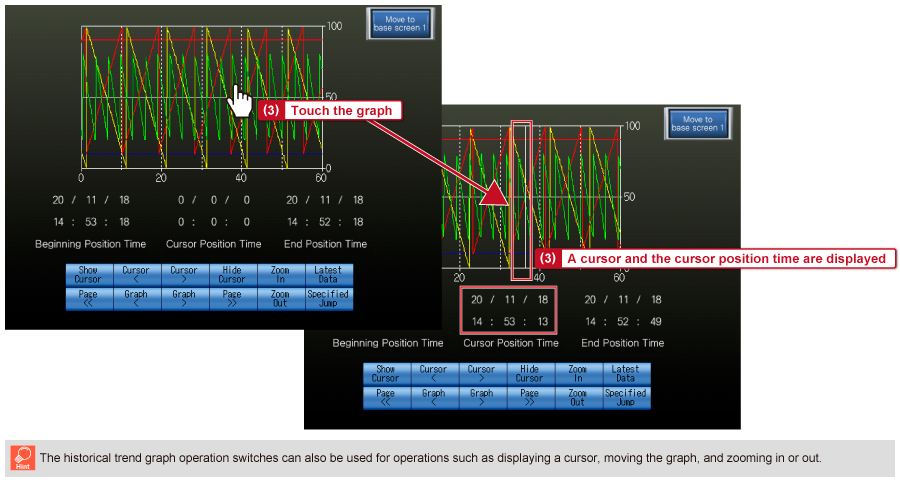
(3) When the historical trend graph is touched, a cursor is displayed at the touched position and the cursor position time is displayed at the bottom center of the graph.