-
Appendix 1
-
Converting an alarm log file to a CSV file (Utility) - 1
The following shows how to convert an alarm log file to a CSV file on the utility screen.
(1) Display the utility screen. Select [Data mng.] → [Alarm information].
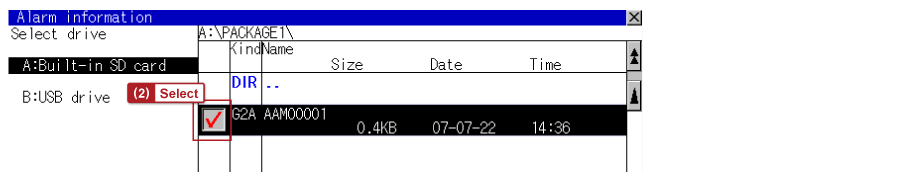
(2) Select the checkbox on the left of the conversion target alarm log file.
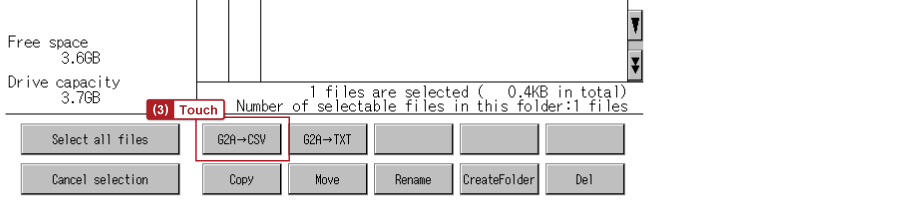
(3) Touch the [G2A→CSV] button at the bottom of the screen.