
MELSEC iQ-F series Quick Start Guide [Ladder language edition] (video)

Quick Start Guide [Ladder language edition] (video)
Program the FX5U CPU module
- (1) Before programming, make the settings in GX Works3 for connecting the PC and FX5U CPU module.

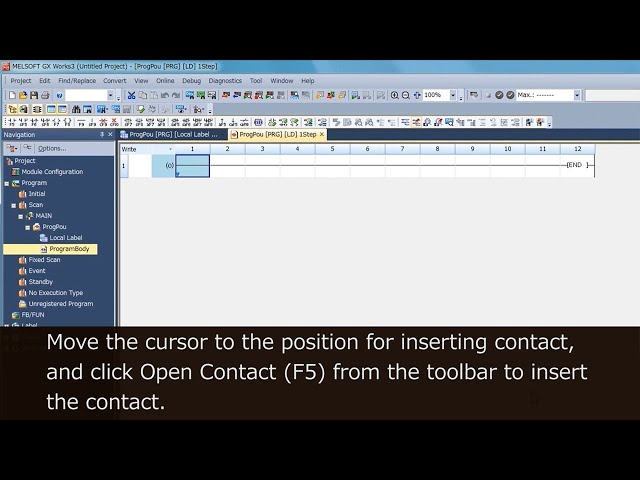
- (2) Try programming.
- Create a program that makes Y0 turn on/off at one second intervals.
- (3) Compile the created program into executable code.

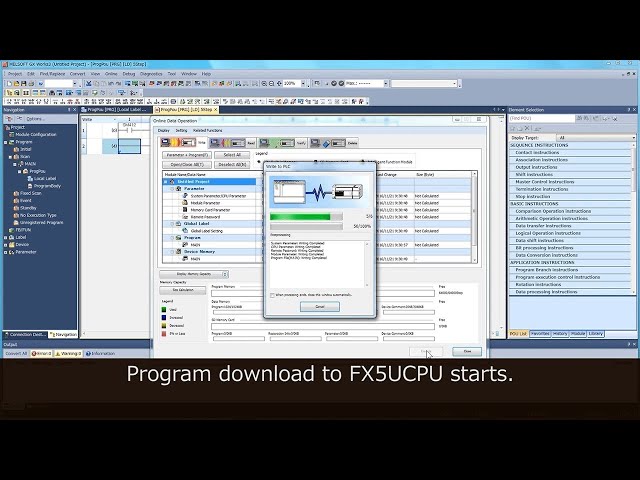
- (4) Write the compiled program to the FX5U CPU module.
- (5) Check that the program operates correctly.
- Reset or cycle power on the FX5U CPU module.
|
Reset method for FX5U CPU module
|
| RESET complete |
Make various settings
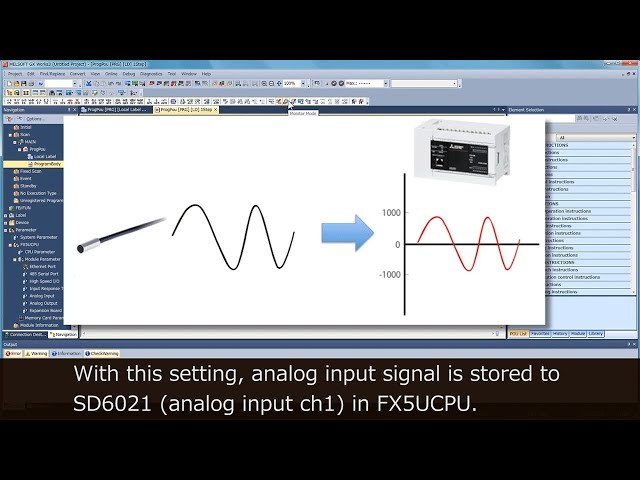
- (1) Try setting analog input.
- (2) Try setting analog output.

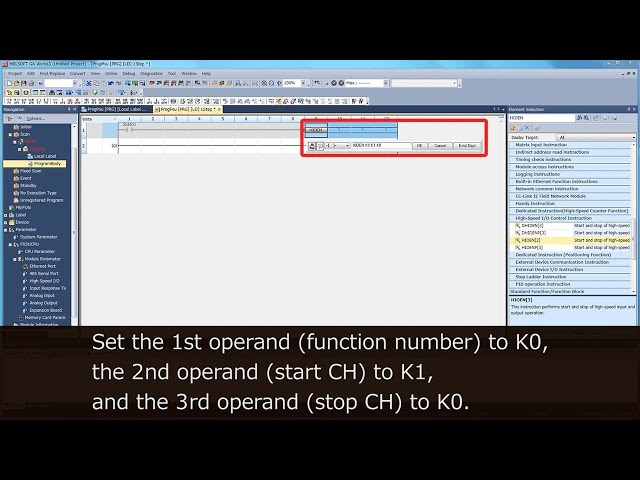
- (3) Try setting high speed counter.
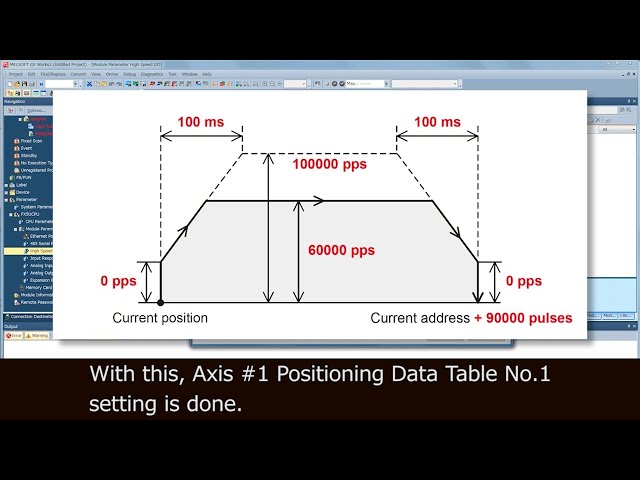
- (4) Try setting positioning.
- (5) Try setting Ethernet communication.
-
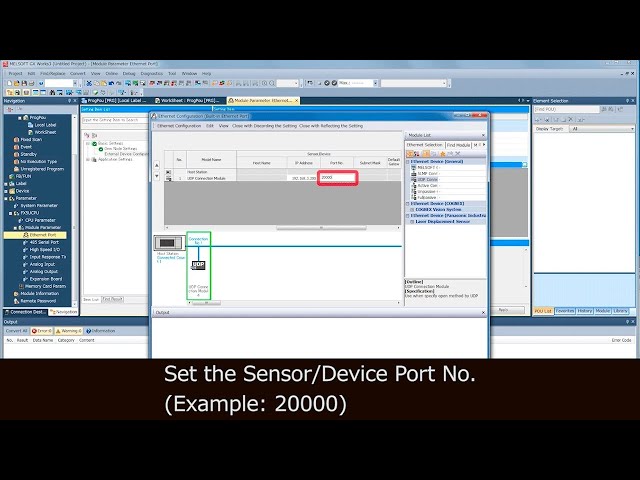
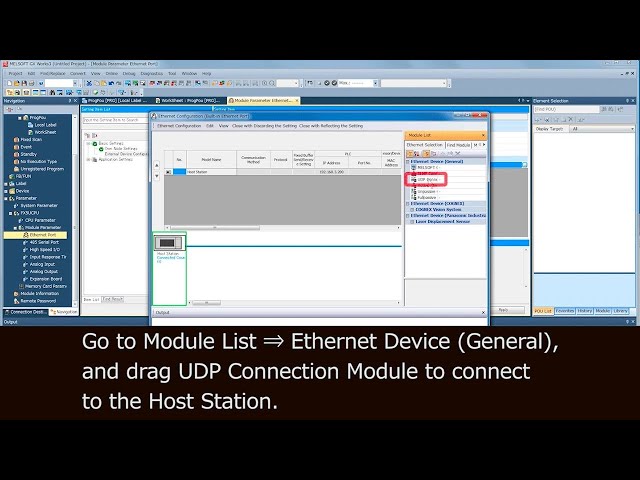
- [1] Try setting parameters.
- In the video for PLC A and B, the only difference is the port number.
PLC A
PLC B
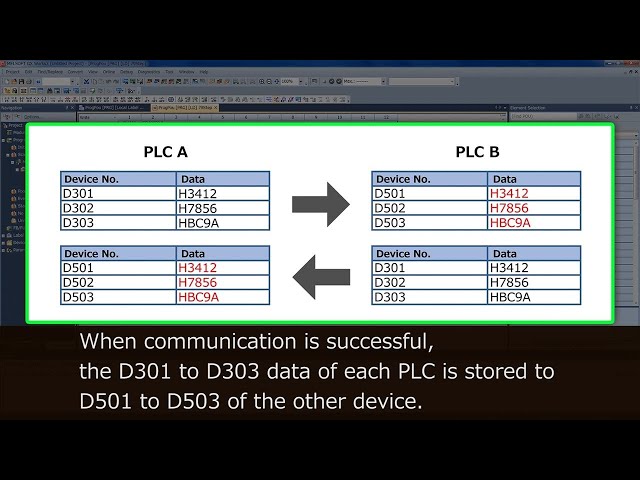
- [2] Try programming.
Security function types
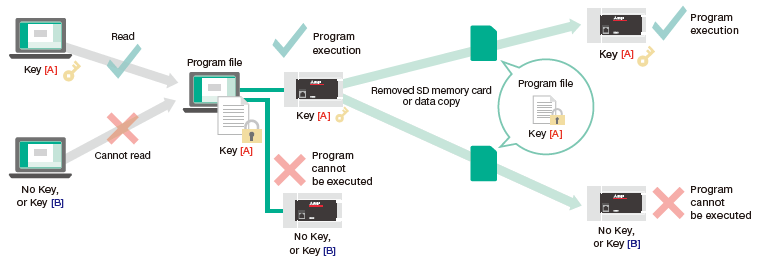
- (1) Security key
- Disables reading and program execution if the keys of the program file, PLC, PC, and copy destination PLC do not match.
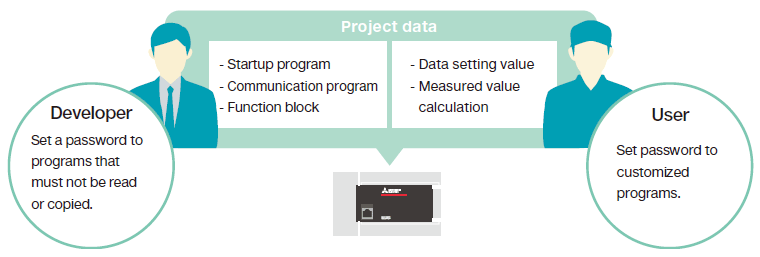
- (2) Block password
- Password can be set to individual program blocks, so developers and users can set passwords as required from their standpoint.
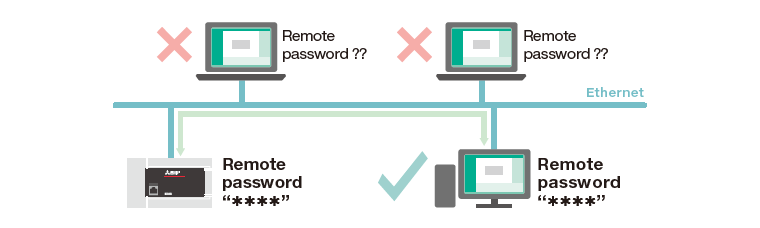
- (3) Remote password
- Allows communication access only to people that know the password.
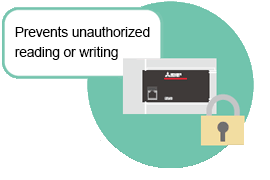
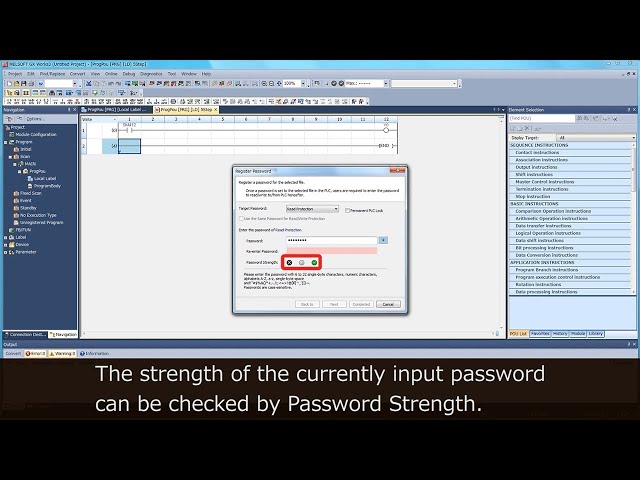
- (4) File password
- Besides the program file, password can also be set to parameters, so settings of individual modules can be protected.
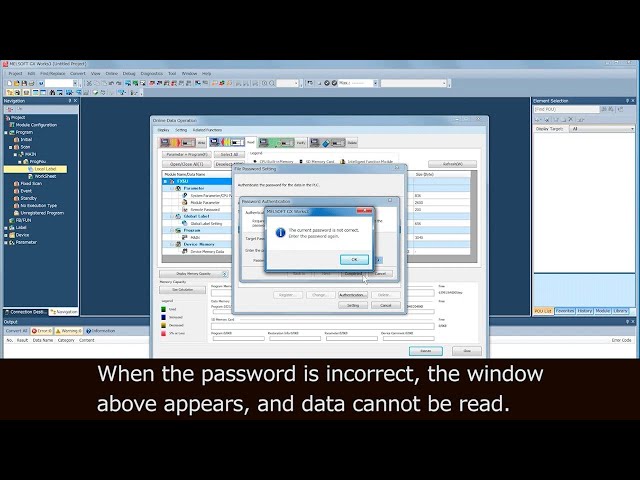
| When the password is unknown: |
|---|
|
| When the password is known: |

|