
Controllers MELSEC iQ-R Series Product features -Concept-

What is DataNavigateApp?

DataNavigateApp is a dedicated application for the MELSEC iQ-R series C intelligent function module.
Simply install DataNavigateApp on an SD memory card and insert it into the C intelligent function module to begin using the application.
Equipped with a variety of features, DataNavigateApp supports the visualization and analysis of the production site, helping you take the first step toward IoT and digital transformation in your factory.

Provide strong support for on-site improvements with apps tailored to your needs
Use apps tailored to your needs to visualize and analyze equipment, driving improvements on the production site.
We will continue to add new features to the app lineup.
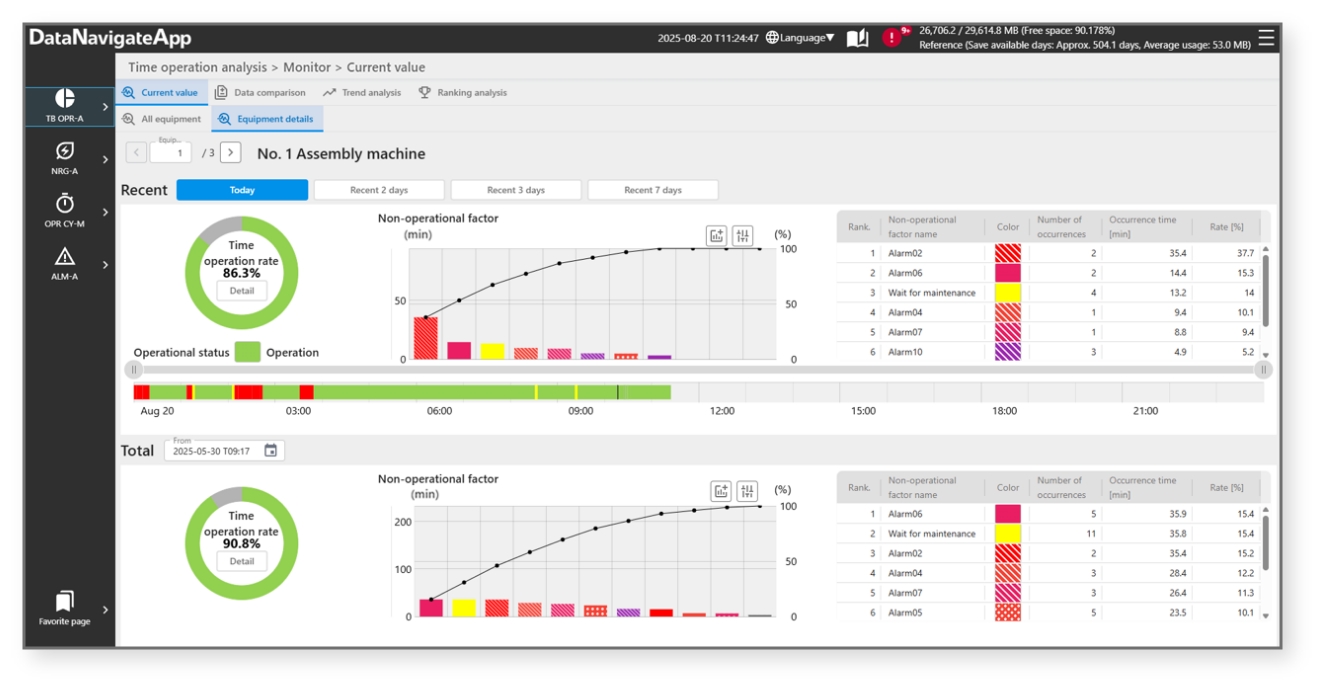
 Time-Based Operation Analysis App
Visualize equipment operation status
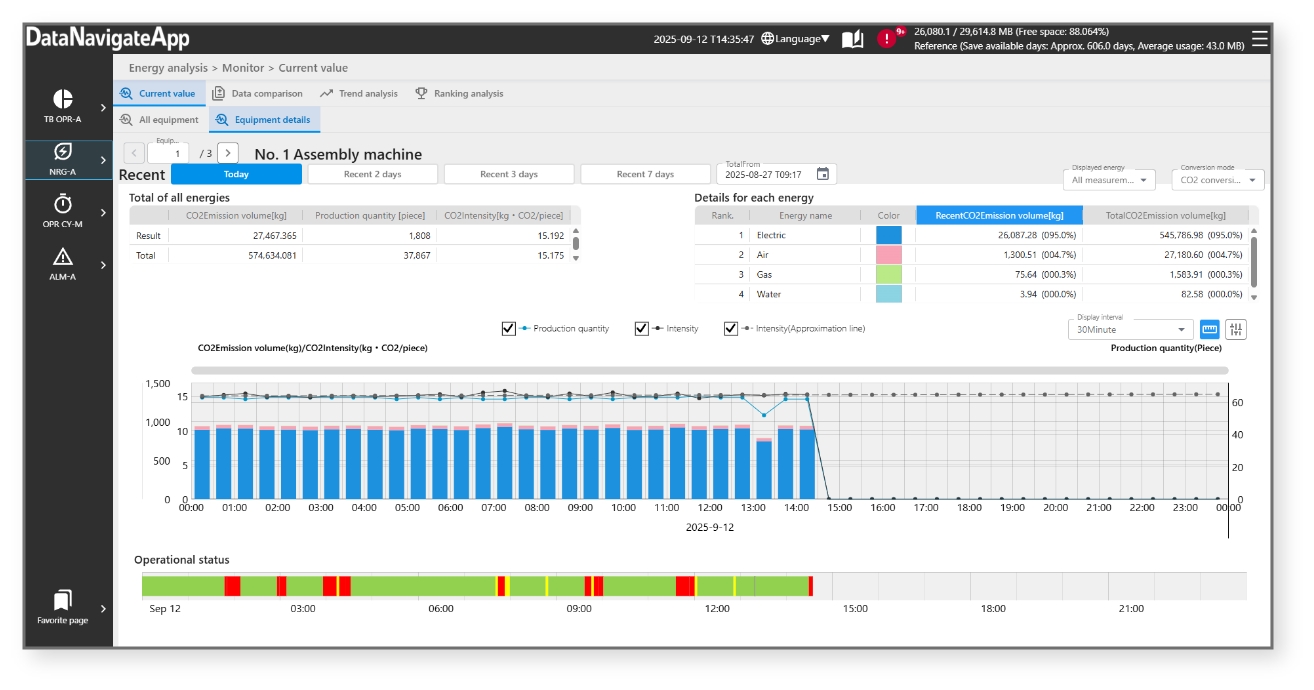
Energy Analysis App
Visualize equipment power usage
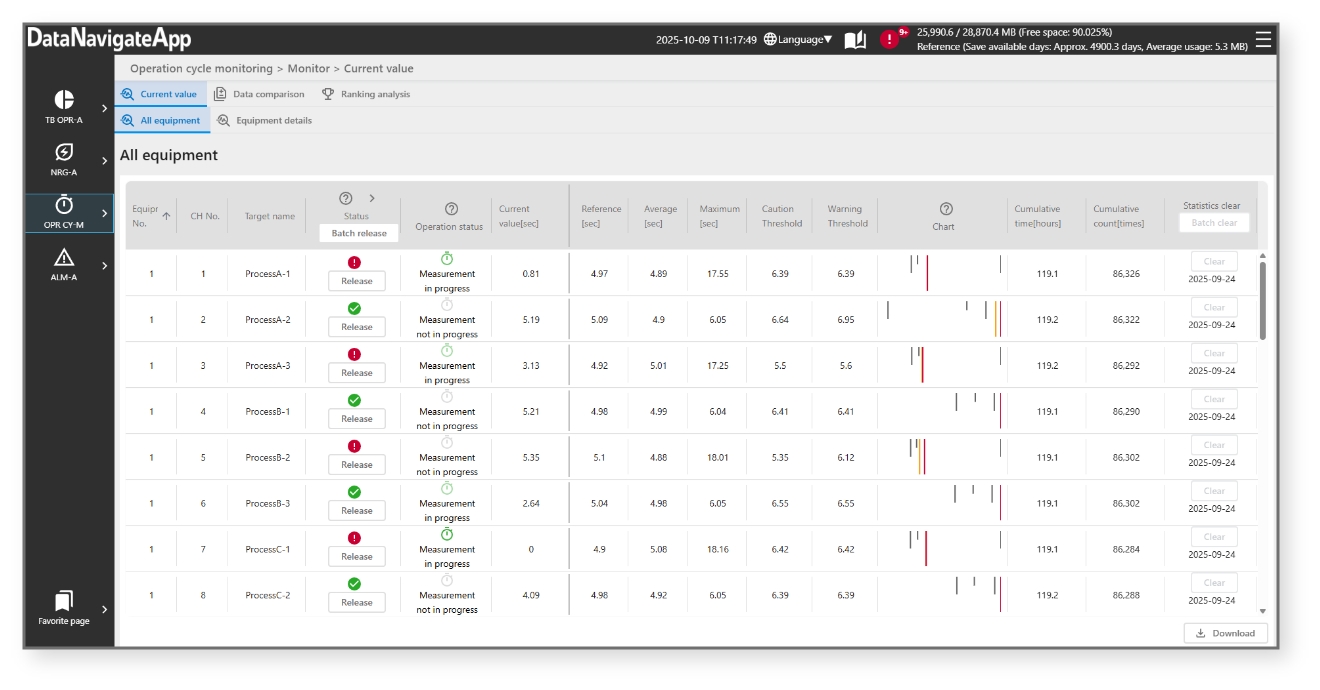
Operation Cycle Monitoring App
Monitor operating time of cylinders and other parts
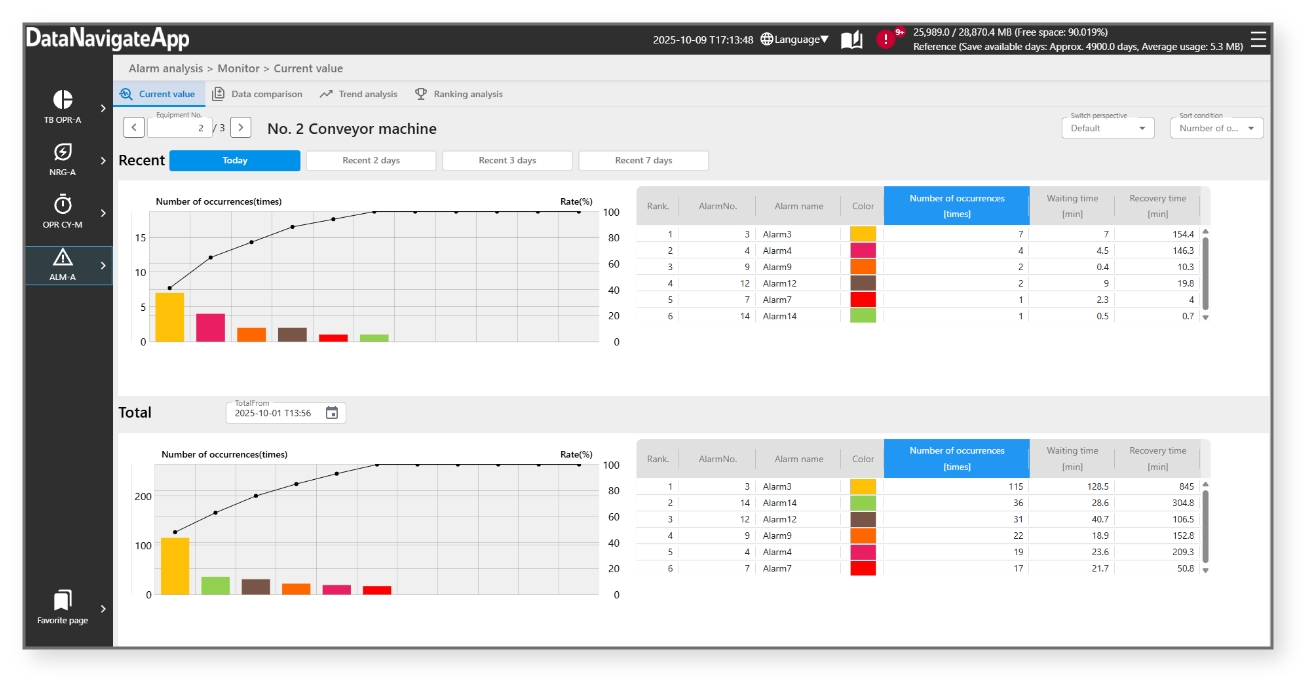
Alarm Analysis App
Visualize alarm status
Three key features
1. Simple setup
Intuitive operation makes it possible for anyone to smoothly install and operate the app. No specialized knowledge of programming is required. Intuitive operation allows anyone to easily install and use the app, without requiring any specialized programming knowledge.

2. Monitor from anywhere
Monitor your equipment using a Web browser on a computer or tablet, with no need for dedicated devices like HMIs.
Check equipment status remotely, even from locations away from the site.

3. Easy data collection
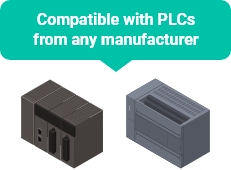
Instant visualization with available CPU module data. Supports existing equipment when used with CPU communication functions.
[ Tips ]
Easily collect data from Mitsubishi Electric PLCs and other PLCs by setting parameters with the simple CPU communication function.
Steps to download
STEP1

Purchase a license
A license agreement will be provided by the distributor.
STEP2

Apply for license key
on the FA website
Apply for the license key here
Enter the product ID and serial number of the C intelligent function module as stated in the license agreement.
After completing the application, the license key file will be sent by email.
STEP3
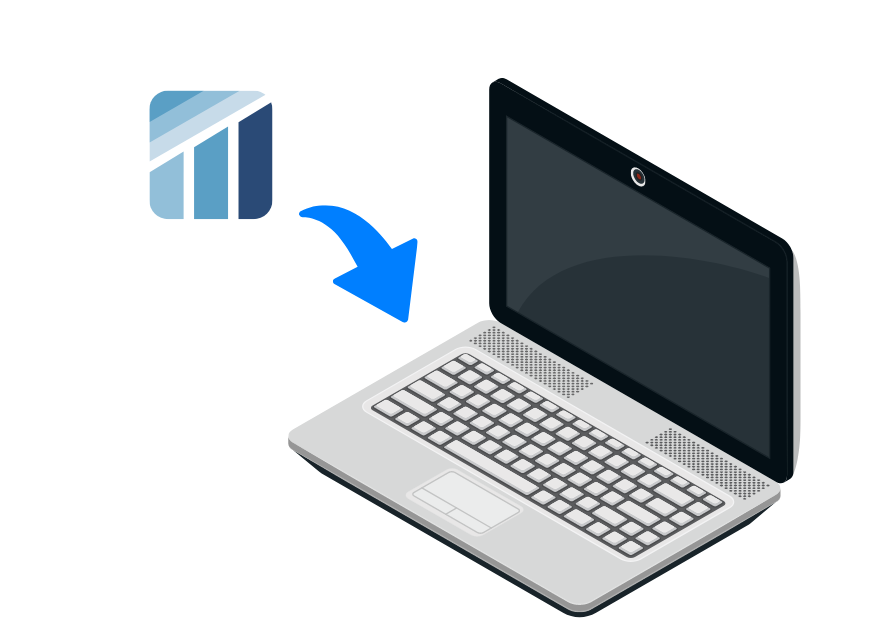
Download DataNavigateApp
from the FA website
STEP4
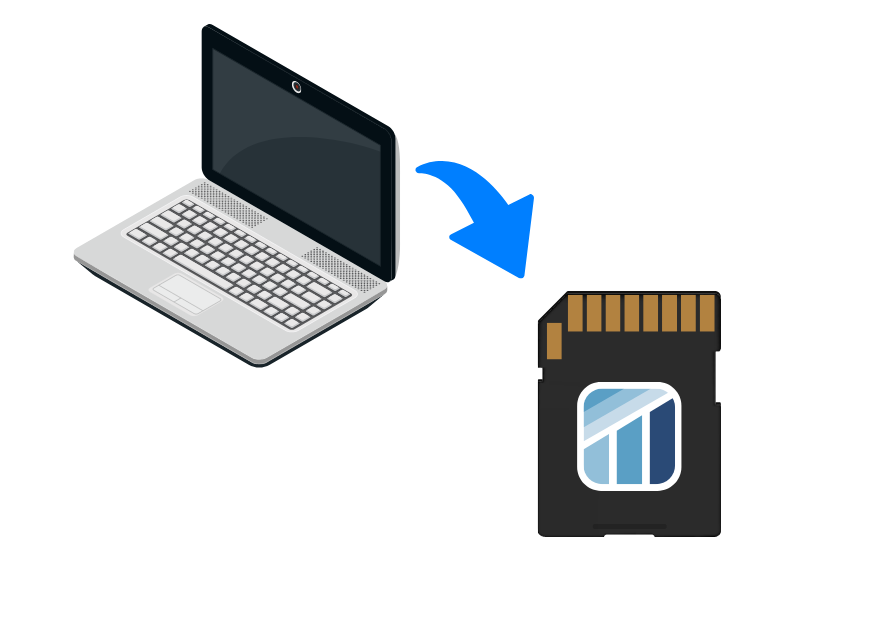
Install DataNavigateApp
on an SD memory card
FAQs
By using the Energy Package, you can collect energy data from equipment without any programming.
The Energy Package is a free energy data collection package that includes a setup tool and a sample project to help you build a production equipment measuring system.

Sample project (for iQ-R CC-Link IEF Basic)
• Energy data collection program (FB)

Setup tool
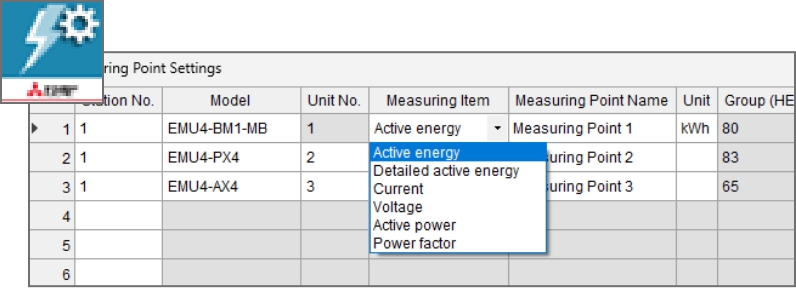
• Easy energy measurement setup with drop-down selection
[How to Use]
- 1.Write the sample project to MELSEC iQ-R
- 2.Set the energy measurement parameters (select from drop-down list)
- 3.Link the device to the Energy Analysis App to complete the setup