Robot Engineering software (MELFA) MELSOFT RT VisualBox

MELSOFT RT VisualBox introduction
No Expertise for Robot Required.
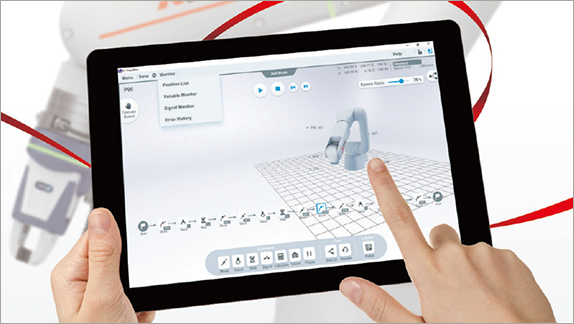
- You can create programs visually using intuitive operations with RT-VisualBox.
- This software allows operators to simply program this robot with a "train by demonstration" programming interface.
- This allows them to move the robot arm position and set way-points easily.
RT VisualBox main screen
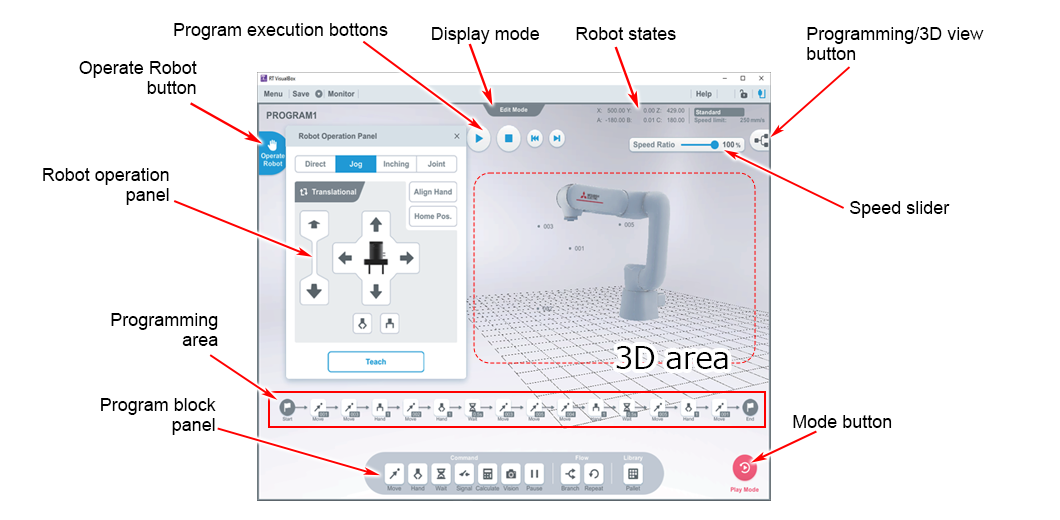
The figure below explains the interface of the main screen.
Programming/3D mode
Tapping/clicking the Programming/3D mode button allows you to switch between Programming mode and 3D mode.
Screen Operation: Touch Operations and Equivalent Mouse Operations.
(The screen cannot be swiped, flicked, and rotated using a mouse.)
3D area
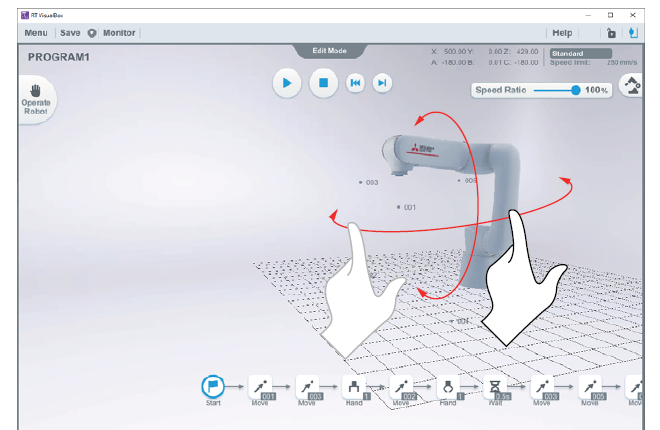
Displays a 3D model of the robot and positions that have been taught to it.
In simulation mode, the robot in the 3D area on-screen will move according to the created program.
Action: rotates the view around the robot.
Programming mode
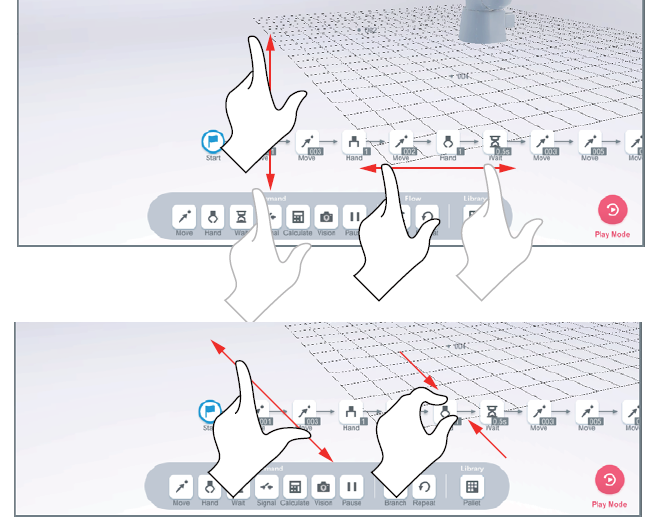
The area used to create a program by placing and arranging program blocks
Action: increases/decreases the size of the programming / moves the programming blocks up, down, left and right.
Visual Programming
You can create programs visually using intuitive operations with RT VisualBox.
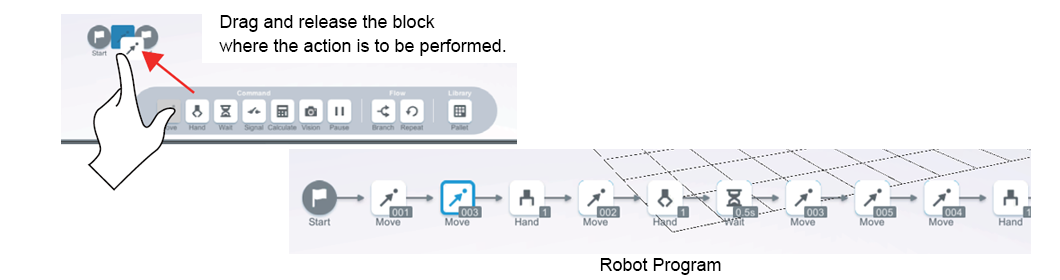
- Programs can be created by dragging and dropping program blocks.
- Programs can be executed and debugged.
- The 3D layout and simulation can be viewed from this screen.