
Business Support
Satellite Training Series


Satellite Training Series 【PART 3】 Your First GOT

The training machine is not supplied as an accessory of this product.
"YouTube & textbook" for learning the basics of GOT
Explanation in easy to understand local language YouTube training
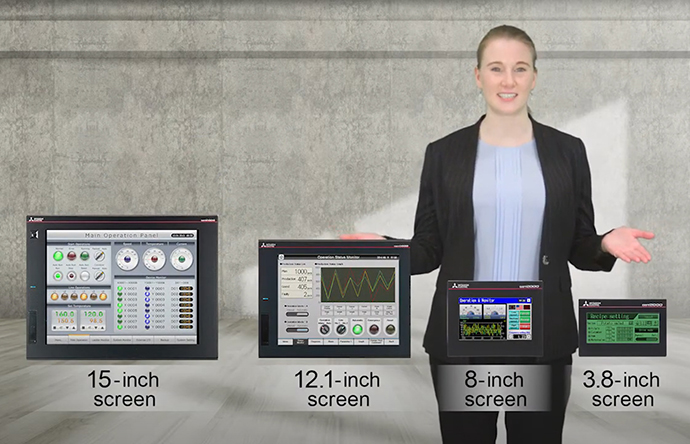
- Available in six languages: English/Japanese/Chinese (simplified)/Indonesian/Thai/Vietnamese
- Explanation by native speakers starting from the basics
- Rewatch as many times as necessary
- Best used as a short training for group learning
Click the following  icons. Videos from YouTube MITSUBISHI ELECTRIC icons. Videos from YouTube MITSUBISHI ELECTRICFactory Automation will open in a new window.  |
|
|---|---|
| English |
Japanese |
| Chinese |
Indonesian |
| Thai |
Vietnamese |
In-depth learning textbook

- Textbook also available in your local language
- Full of practical programming examples
| Download PDF data of textbook. | |
|---|---|
| Language | Data capacity |
English  |
7.79 MB |
| Japanese |
7.31 MB |
| Chinese |
7.82 MB |
| Indonesian |
6.71 MB |
| Thai |
6.88 MB |
| Vietnamese |
6.87 MB |
Contents & Specifications included in each set
Contents of the training (YouTube)
Click the following icons. Videos from YouTube MITSUBISHI ELECTRIC Factory Automation will open in a new window.
 YouTube Factory Automation
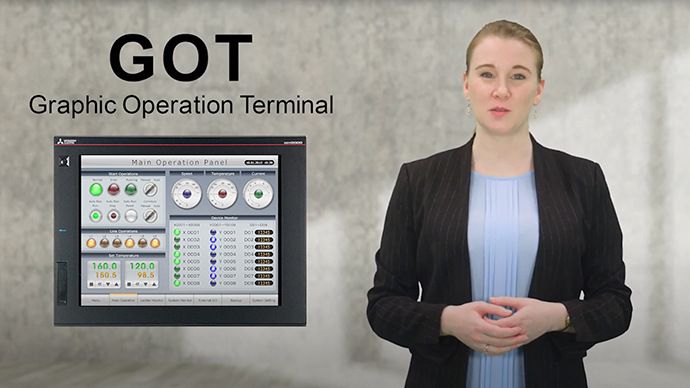
Introduction
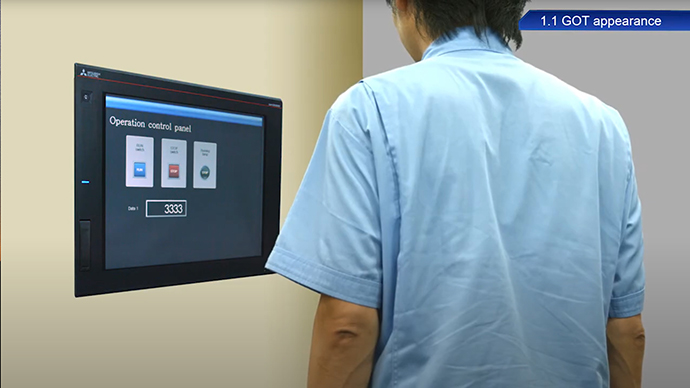
Chapter 1 Using the GOT
1.1 GOT appearances
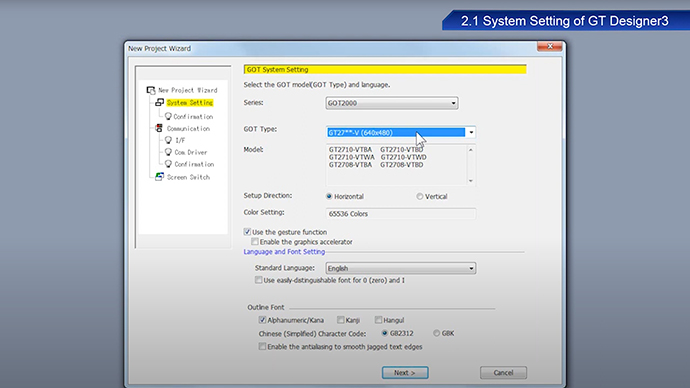
Chapter 2 Screen Design Software
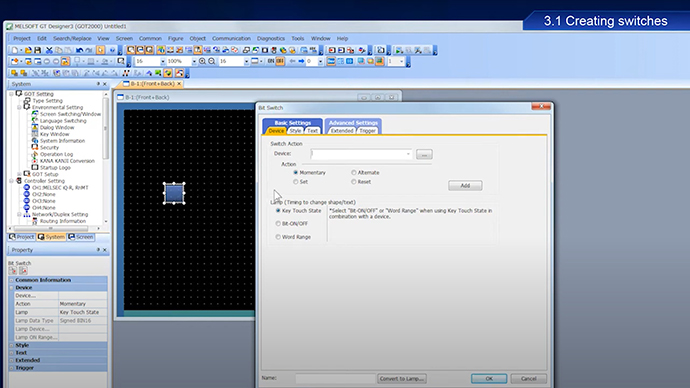
Chapter 3 Creating Projects
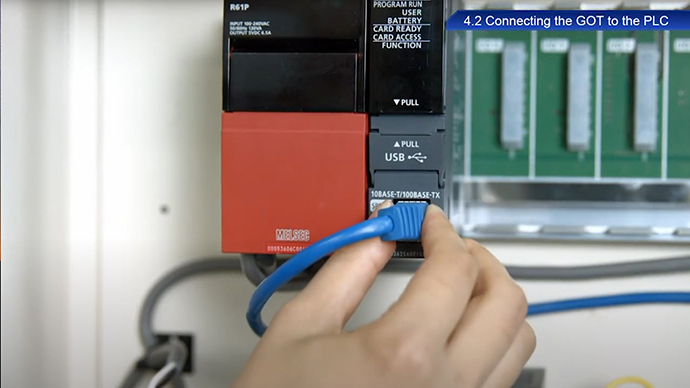
Chapter 4 Transferring Projects
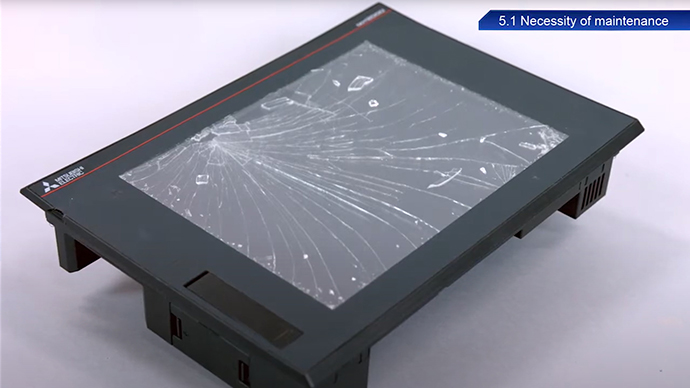
Chapter 5 GOT Maintenance
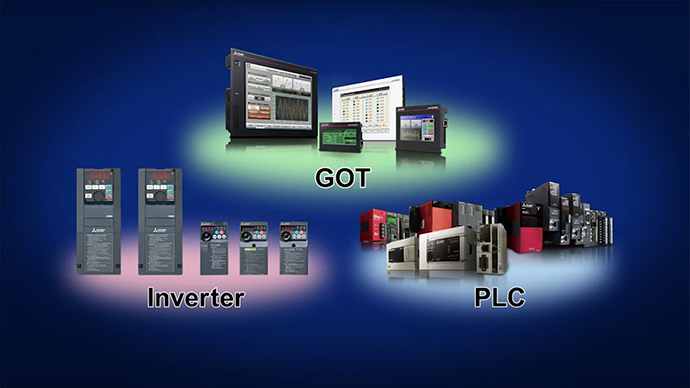
Ending
Textbook Contents
| CHAPTER | CONTENTS | |
|---|---|---|
| FEATURES OF THE GOT PREPARING REQUIRED DEVICES FEATURES OF GT DESIGNER3 |
||
| STEP 1 | CREATING A PROJECT | 1.1 Creating a New Project |
| 1.2 Creating an Object | ||
| 1.3 Creating a Figure | ||
| 1.4 Setting the Screen Gesture Function | ||
| 1.5 Checking the Created Screen | ||
| 1.6 Saving the Project | ||
| STEP 2 | TRANSFERRING THE PROJECT DATA | 2.1 Transferring the Project Data |
| 2.2 Connecting the GOT and the PLC | ||
| STEP 3 | USING THE GOT | 3.1 Checking the ON/OFF Action of Switches |
| 3.2 Using the Screen Gesture Function | ||
| 3.3 List of GOT Functions | ||
| 3.4 Functions Convenient for Maintenance | ||
| STEP 4 | MAINTAINING THE GOT | 4.1 Necessity of Maintenance |
| 4.2 Backup | ||
| 4.3 Alarm | ||
| 4.4 Battery | ||
| APPENDIX 1 | ERROR CODES AND SYSTEM ALARM LIST | |
| APPENDIX 2 | INSTALLATION AND REMOVEMENT | |
| APPENDIX 3 | TOUCH PANEL CALIBRATION | |
| APPENDIX 4 | RELEVANT CATALOGS AND MANUALS | |
| APPENDIX 5 | ASSEMBLY OF PRACTICAL TRAINING EQUIPMENT | |
To ensure proper use of the products in this document, please be sure to read the instruction manual and textbook prior to use.