
Human-Machine Interfaces(HMIs)-GOT GOT2000 Series

Startup/adjustment
Batch monitor
- CASE1
- CASE2
- CASE3
- CASE4 *1
- CASE5
GT27 GT25 GT23 *3 GT21 *3 GS21 *3 SoftGOT *3*4
Challenge
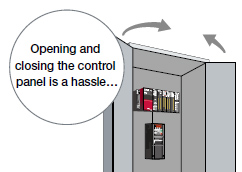
We want to monitor the inverter status without opening the control panel!
Solutions

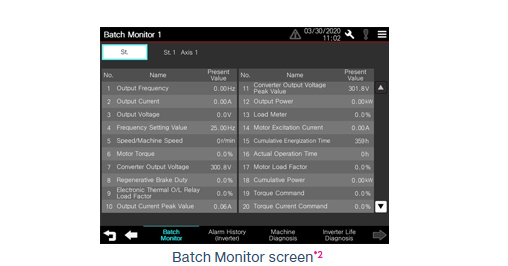
Perform batch monitor of the inverter with the GOT
The inverter's current values such as the output frequency, output current, and output voltage can be monitored with the GOT without preparing the personal computer or directly confirming the inverter.
- *1 Only monitorable parameters are supported for FR-E700 and FR-D700.
- *2 Sample screens (VGA) are available. The screen image is the sample screen of FR-A800-E for CASE 1. The screen image differs from the one for FR-E800 and CASE 4.
- *3 Sample screens are not supported by GT23, GT21, GS21, and GT SoftGOT2000.
- *4 Supported by GT SoftGOT2000 (Multiple channels) only.